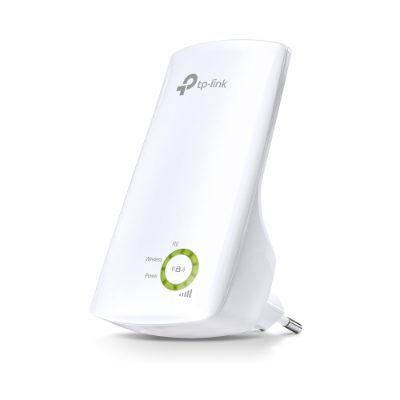
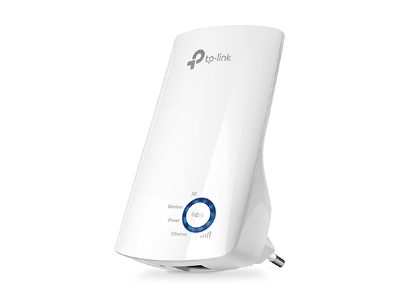
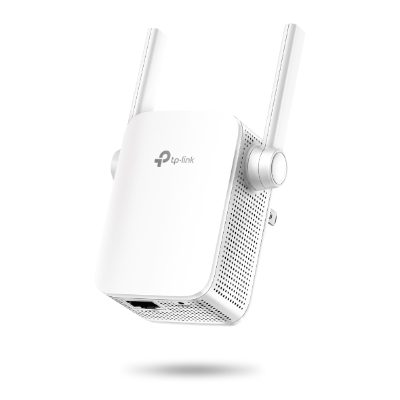
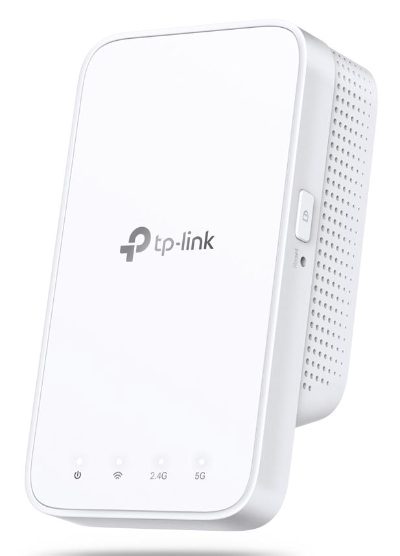
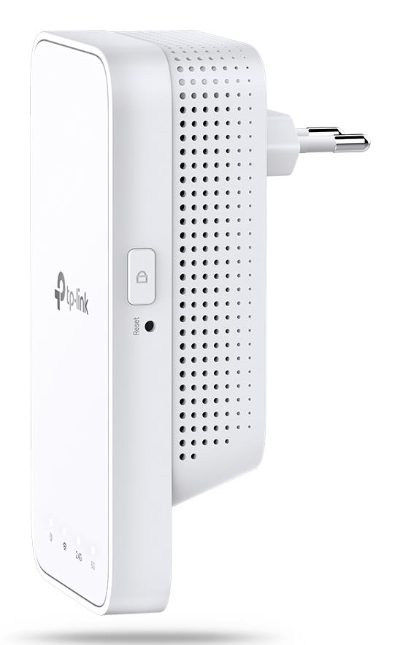
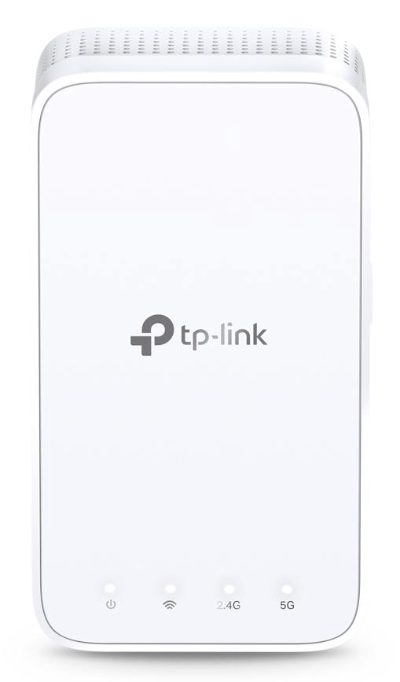
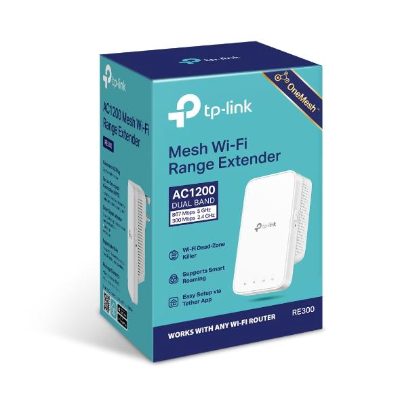
Mesh Extender, RE300, 802.11ac, 2.4GHz/5GHz, 300+867 Mbit/s
Mesh Extender, RE300, 802.11ac, 2.4GHz/5GHz, 300+867 Mbit/s, Ethernet LAN (RJ-45) ports No, MU-MiMO No, no PoE, Antenna type 2xInternal
TP-LINK · 6935364084196
The invoice is sent as soon as you order.
- Payment: bank transfer or cash on delivery
- Delivery: 1–3 working days, anywhere in Latvia
- Warranty: 36 mo.
- Invoice: with every order
- EAN
- 6935364084196
- Brand
- TP-LINK
Description
Extend Dual Band Wi-Fi across Your Home
Keep the Whole Home Connected
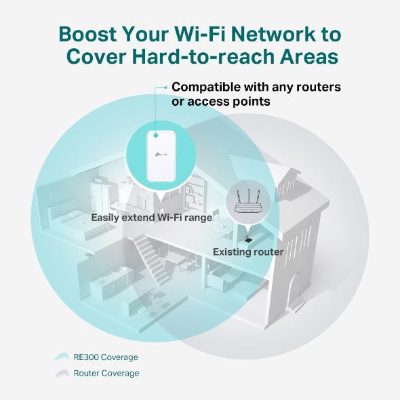
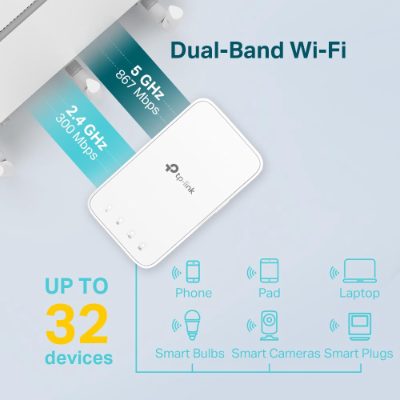
RE300 wirelessly connects to your Wi-Fi router, strengthening and expanding its signal into areas it can’t reach on its own. With speeds of up to 300 Mbps on 2.4 GHz and 867 Mbps on 5 GHz, put strong, fast Wi-Fi in every room and say goodbye to dead zones.
TP-Link OneMesh
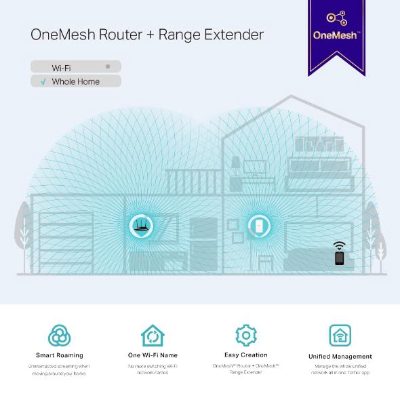
OneMesh is a simple way to form a Mesh network with a single Wi-Fi name for seamless whole-home coverage. Just connect a OneMesh range extender to a OneMesh router. No more searching around for a stable connection.
Enjoy a Mesh Network with Your Existing Router
Want a Mesh network? Hesitate on whether to replace your existing router and buy a Mesh set?
TP-Link OneMesh resolves your dilemma.
High-Speed Dual Band Wi-Fi without Bandwidth Drop
Faster AC1200 Dual Band Wi-Fi
The RE300 lets you keep more devices connected simultaneously with its 2.4 GHz 300 Mbps and 5 GHz 867 Mbps dual bands.
Keeps Itself Fast
Adaptive Path Selection keeps your network running at top-speed by automatically choosing the fastest connection path to the router.
High Speed Mode
Use both Wi-Fi bands to establish one super-high-speed connection, ideal for HD streaming & gaming.
Secure One-Touch Connection for Easy Setup
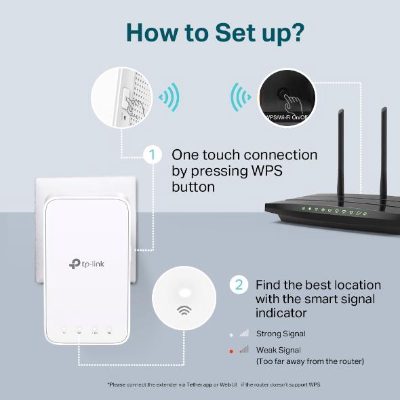
Step 1: Simply press the WPS button on your router and, within 2 minutes, the WPS button on RE300 to connect to the network.
Step 2: Once connected, place RE300 to the best location—without reconfiguration.
Find the Best Location with the Smart Signal Indicator
The smart signal indicator lets you see signal strength from the existing router at a glance. Easily to find the best place to position your range extender to extend your Wi-Fi.
Feature-Rich App for Control in Your Hands
Set up and manage your Wi-Fi through the TP-Link Tether app from your smartphone (Android, iOS), including TP-Link routers and range extenders.
- Extends dual-band Wi-Fi across your home to eliminate Wi-Fi dead zones
- Creates a Mesh network by connecting to a OneMesh router for seamless whole-home coverage
- Operates over both the 2.4 GHz band (300 Mbps) and 5 GHz band (867 Mbps)*1 for more stable wireless experience
- Smart signal indicator helps to find the best location for optimal Wi-Fi coverage by showing the signal strength
- Push the WPS button to easily set up a Mesh network you can uniformly manage from the Tether app or Web UI
- Works with any Wi-Fi router or wireless access point
Specifications
| Maximum data transfer rate | 867 Mbit/s |
| Linux support | Yes |
| macOS support | Yes |
| macOS versions supported | Yes |
| Product type | Network repeater |
| Supported Windows operating systems | Windows 10/Windows 7/Windows 8/Windows 8.1/Windows 98SE/Windows NT/Windows XP |
| WPS button | Yes |
| Antenna type | Internal |
| Number of antennas | 2 |
| Transmitting power (CE) | 17 dBm |
| Security algorithms | 128-bit WEP/64-bit WEP/WPA2-PSK/WPA-PSK |
| Wi-Fi | Yes |
| Frequency band | Dual-band (2.4 GHz / 5 GHz) |
| Wi-Fi data rate (max) | 867 Mbit/s |
| Wi-Fi standards | 802.11a/802.11b/802.11g/Wi-Fi 4 (802.11n)/Wi-Fi 5 (802.11ac) |
| LED indicators | Yes |
| Colour | White |
| Reset button | Yes |
| Access control list (ACL) | Yes |
| Input frequency | 50/60 Hz |
| Input voltage | 100 - 240 V |
| Power consumption (max) | 7.3 W |
| Operating humidity | 10 - 90 % |
| Operating temperature | 0 - 40 °C |
| Non-operating relative humidity | 5 - 90 % |
| Storage temperature | -40 - 70 °C |
| Depth | 69 mm |
| Height | 52 mm |
| Width | 124 mm |
| Quick start guide included | Yes |
| Certificates | CE/Federal Communications Commission (FCC)/RoHS |
| Model name | AC1200 Mesh Wi-Fi Range Extender |